
Comfort Panels
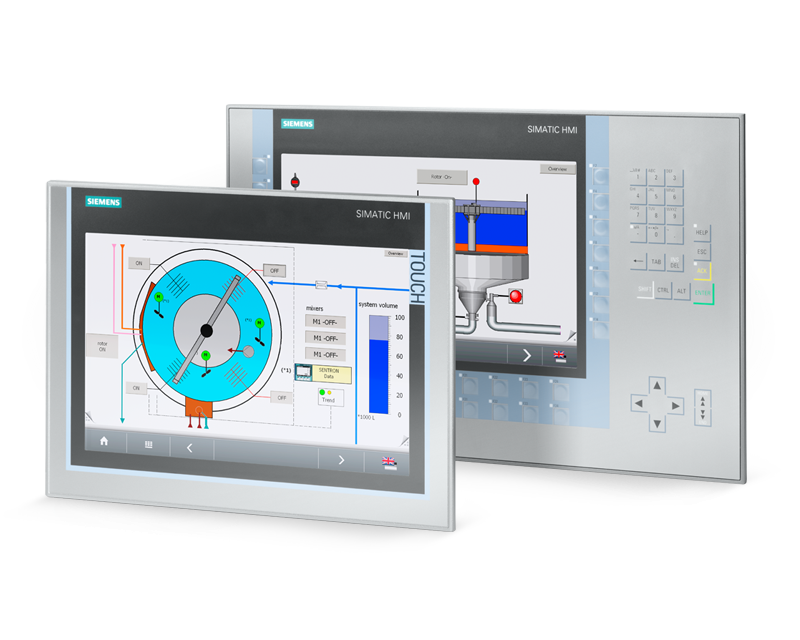
Siemens Comfort Panels are designed to simplify complex tasks in high-end applications through superior visualization. These SIMATIC HMI products provide robust solutions to the increasingly complex operations of many machines and facilities. With the ability to integrate with energy-saving PROFIenergy controls, PROFIBUS and PROFINET standard interfaces, the Totally Integrated Automation Portal (TIA Portal), and SIMATIC WinCC V11 HMI software, Siemens Comfort Panels combine the most powerful automation control technology available to create an intuitive, efficient and versatile solution.
Siemens Comfort Panels can adapt to nearly any application and complement any machine. The SIMATIC WinCC V11 HMI software in the TIA Portal provides maximum project efficiency and integrated engineering from all HMI Panels up to SCADA systems. This not only allows the Siemens Comfort Panels to optimize nearly any process, but also supports businesses through future growth.

The Benefits of Using Siemens Comfort Panels
Siemens Comfort Panels are made to enhance user control, comfort and usability. The innovative engineering framework provided by the TIA Portal combined with the comfortable, user-friendly design of the comfort panel provides a superior user experience. Comprehensive integration, flexible designs, secure data protection, and easy operation help to optimize nearly any process.
TP Series and KP Series Siemens Comfort Panels
Siemens Comfort Panels are available in an array of sizes. There are also many different features available to help you find the perfect fit for your application, industry and facility. Choose from compact 4” screens up to larger 22” screens, and multiple sizes in between. Touch between touch screens or keyboards to find the most comfortable fit for your users. Both TP Series and KP Series Siemens Comfort Panels utilize the same powerful core technology, and integrate seamlessly with SIMATIC WinCC V11 HMI software through the TIA Portal.
Take a closer look at the TP Series and KP Series Siemens Comfort Panels specs. If you’re not sure which product is right for you, we can help. Contact us to learn more about any product and take advantage of expert assistance.
TP Series Offerings
Available in 4-22`` TFT LCD screen sizes featuring 16 million colors
Touch operation with viewing angles of up to 170°
Front, mounted: IP65, NEMA 4x / Rear: IP20
Integrated system card for automatic backups
On-machine power management, PROFIenergy ready
Seamless integration with the SIMATIC S7-1500 Advanced Controller
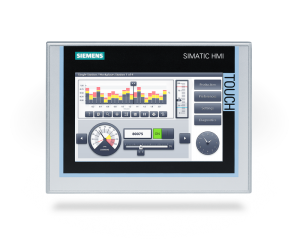
7.0″
TP700
-
- 7.0″ Widescreen
800 x 480 TFT - 12MB Memory
- RJ45 PROFINET Switch (2)
RS 485/422 PROFIBUS / MPI
– - SD card (2)
USB host (2)
USB device
Audio input/output - Alarm/Data logging
VB Script
32 Runtime Languages
Recipe Management
- 7.0″ Widescreen
6AV21240GC010AX0
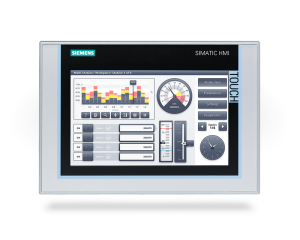
9.0″
TP900
-
- 9.0″ Widescreen
800 x 480 TFT - 12MB Memory
- RJ45 PROFINET Switch (2)
RS 485/422 PROFIBUS / MPI
– - SD card (2)
USB host (2)
USB device
Audio input/output - Alarm/Data logging
VB Script
32 Runtime Languages
Recipe Management
- 9.0″ Widescreen
6AV21240JC010AX0
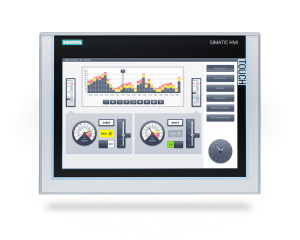
12.1″
TP1200
-
- 12.1″ Widescreen
1280 x 800 TFT - 12MB Memory
- RJ45 PROFINET Switch (2)
RS 485/422 PROFIBUS / MPI
– - SD card (2)
USB host (2)
USB device
Audio input/output - Alarm/Data logging
VB Script
32 Runtime Languages
Recipe Management
- 12.1″ Widescreen
6AV21240MC010AX0
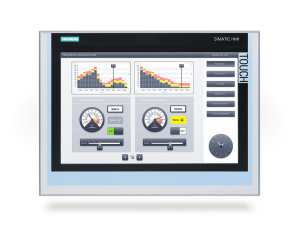
15.4″
TP1500
-
- 15.4″ Widescreen
1280 x 800 TFT - 24MB Memory
- RJ45 PROFINET Switch (2)
RS 485/422 PROFIBUS / MPI
Gigabit Ethernet - SD card (2)
USB host (2)
USB device
Audio input/output - Alarm/Data logging
VB Script
32 Runtime Languages
Recipe Management
- 15.4″ Widescreen
6AV2124-0QC02-0AX1
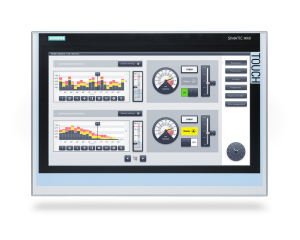
18.5″
TP1900
-
- 18.5″ Widescreen
1366 x 768 TFT - 24MB Memory
- RJ45 PROFINET Switch (2)
RS 485/422 PROFIBUS / MPI
Gigabit Ethernet - SD card (2)
USB host (2)
USB device
Audio input/output - Alarm/Data logging
VB Script
32 Runtime Languages
Recipe Management
- 18.5″ Widescreen
6AV2124-0UC02-0AX1
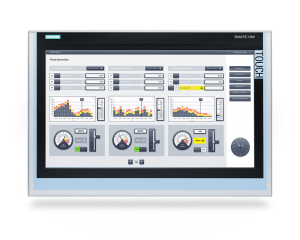
21.5″
TP2200
-
- 21.5″ Widescreen
1920 x 1080 TFT - 24MB Memory
- RJ45 PROFINET Switch (2)
RS 485/422 PROFIBUS / MPI
Gigabit Ethernet - SD card (2)
USB host (2)
USB device
Audio input/output - Alarm/Data logging
VB Script
32 Runtime Languages
Recipe Management
- 21.5″ Widescreen
6AV2124-0XC02-0AX1
KP Series Offerings
Available in 4-15`` TFT LCD screen sizes featuring 16 million colors
Viewing angles of up to 170°
Front, mounted: IP65, NEMA 4x / Rear: IP20
Integrated system card for automatic backups
On-machine power management, PROFIenergy ready
Service life of 2 million operations for all keys
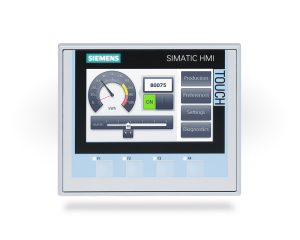
4.3″
KTP400
-
- 4.3″ Widescreen
480 x 272 TFT - 4MB Memory
- 4 LED Function Keys
Touchscreen - RJ45 PROFINET Switch
RS 485/422 PROFIBUS / MPI
– - SD card (2)
USB host
USB device
Audio input/output - Alarm/Data logging
VB Script
32 Runtime Languages
Recipe Management
- 4.3″ Widescreen
6AV21242DC010AX0
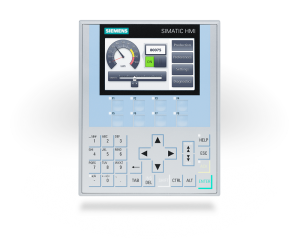
4.3″
KP400
-
- 4.3″ Widescreen
480 x 272 TFT - 4MB Memory
- 8 LED Function Keys
28-Key Membrane Keypad - RJ45 PROFINET Switch
RS 485/422 PROFIBUS / MPI
– - SD card (2)
USB host
USB device
Audio input/output - Alarm/Data logging
VB Script
32 Runtime Languages
Recipe Management
- 4.3″ Widescreen
6AV21241DC010AX0
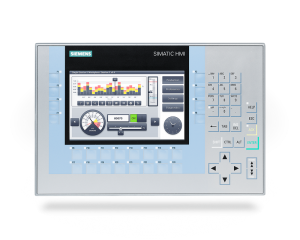
7.0″
KP700
-
- 7.0″ Widescreen
800 x 480 TFT - 12MB Memory
- 24 LED Function Keys
28-Key Membrane Keypad - RJ45 PROFINET Switch (2)
RS 485/422 PROFIBUS / MPI
– - SD card (2)
USB host (2)
USB device
Audio input/output - Alarm/Data logging
VB Script
32 Runtime Languages
Recipe Management
- 7.0″ Widescreen
6AV21241GC010AX0
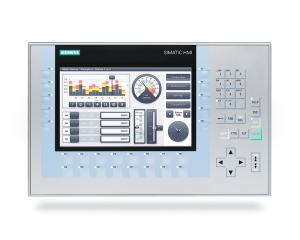
9.0″
KP900
-
- 9.0″ Widescreen
800 x 480 TFT - 12MB Memory
- 24 LED Function Keys
28-Key Membrane Keypad - RJ45 PROFINET Switch (2)
RS 485/422 PROFIBUS / MPI
– - SD card (2)
USB host (2)
USB device
Audio input/output - Alarm/Data logging
VB Script
32 Runtime Languages
Recipe Management
- 9.0″ Widescreen
6AV21241JC010AX0
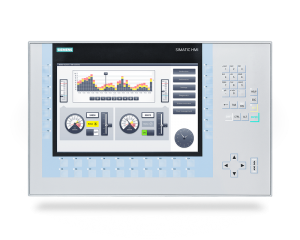
12.1″
KP1200
-
- 12.1″ Widescreen
1280 x 800 TFT - 12MB Memory
- 34 LED Function Keys
28-Key Membrane Keypad - RJ45 PROFINET Switch (2)
RS 485/422 PROFIBUS / MPI
– - SD card (2)
USB host (2)
USB device
Audio input/output - Alarm/Data logging
VB Script
32 Runtime Languages
Recipe Management
- 12.1″ Widescreen
6AV21241MC010AX0
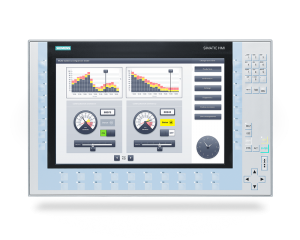
15.4″
KP1500
-
- 15.4″ Widescreen
1280 x 800 TFT - 12MB Memory
- 36 LED Function Keys
28-Key Membrane Keypad - RJ45 PROFINET Switch (2)
RS 485/422 PROFIBUS / MPI
Gigabit Ethernet - SD card (2)
USB host (2)
USB device
Audio input/output - Alarm/Data logging
VB Script
32 Runtime Languages
Recipe Management
- 15.4″ Widescreen
6AV2124-1QC02-0AX1
24/7 Technical Support
Electro-Matic offers around-the-clock technical support bolstered with a detailed knowledgebase, training videos, downloadable documentation and more.
Technical Training
Electro-Matic offers technical training sessions across Michigan and Ohio. Check out our Training Schedule for a list of upcoming sessions available near you.